01
Mount your phone
Put it on a tripod behind the goal, near the corner, or along a lateral — then hit record.

Your phone becomes a second camera. Trace syncs every angle automatically — for highlights that look broadcast-made.
Tap a camera — this is what toggling angles feels like in the Trace app. TraceCam gets the full field; your phones get up close.
MultiCam adds angles without adding editing. Mount a phone, hit record, and the syncing happens on its own.
If you can prop up a phone, you can shoot like a broadcast crew.
Put it on a tripod behind the goal, near the corner, or along a lateral — then hit record.
Your phone's footage lines up with TraceCam's on the game timeline. No cables, no editing software.
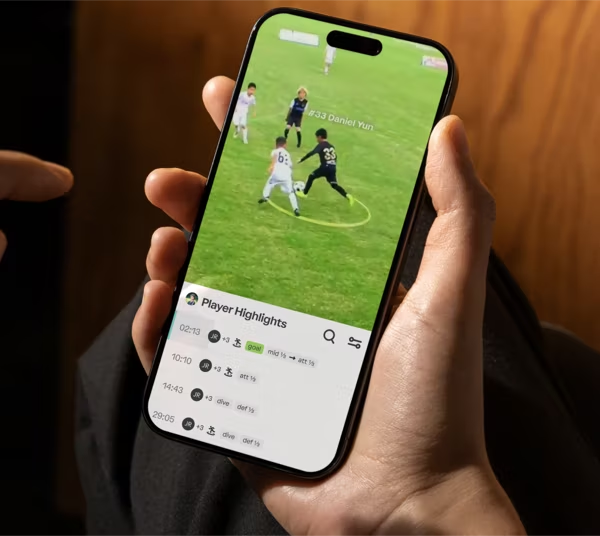
Jump between angles on any play, clip the best one, and share highlights with close-up, high-def action.
Every camera on one timeline. Pick the angle that tells the story of the play best.
Toggle views right in the Trace app — the full field for context, up close for the magic.
Anyone who's ever wished the highlight was shot from the other side.
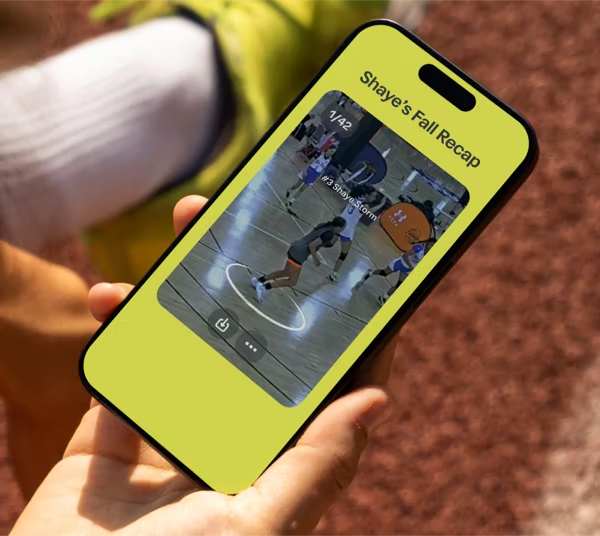
Close-up, high-definition action of your player — the clips that get replayed at the dinner table.
Relive the goal from behind the net, then study the buildup from the full-field view.
More angles mean fewer arguments — see exactly what happened, up close and in context.
Everything sideline camera crews (that's you) ask us.
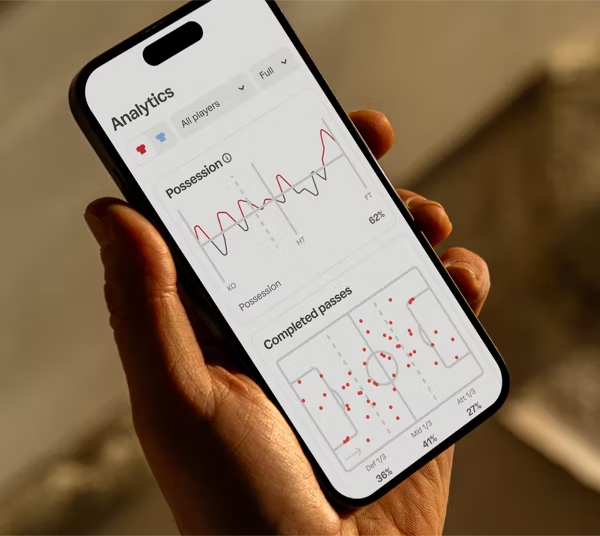
MultiCam angles feed everything else Trace makes from your games.


 PlayerCam
 AI Reels
 PlayerFocus Analytics