
You want a highlight video that gets your player noticed by college coaches. The old way meant filming the whole game on your phone, dragging clips into editing software, and burning a weekend to produce three minutes of footage. Here's the faster path: how to edit soccer highlight videos using automatically recorded game film, so you spend your time picking the best moments instead of hunting for them.
This guide walks through the full workflow — clipping plays, selecting the right highlights, building a recruiting reel, and sharing it with coaches — using Trace footage as the starting point.
Start with footage that's already recorded and clipped
The hardest part of editing used to be getting usable footage. That's the step to fix first.
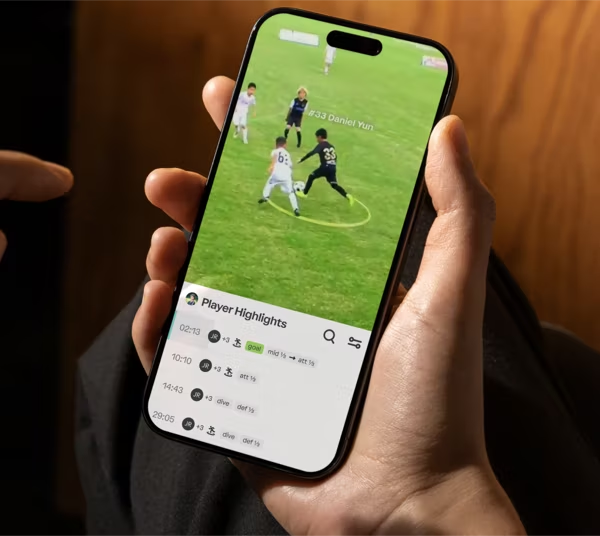
Trace uses TraceCam, an AI-powered sideline camera, to record every play of every game automatically. Trace tracks each player using GPS sensor technology and sends every player their individual clips within hours of the final whistle. You're not filming, you're not panning the camera, and you're not scrubbing through 90 minutes of footage to find your player's touches.
That means when you sit down to edit, the work is already halfway done:
- Every game is recorded in full.
- Your player's plays are automatically identified and clipped.
- Clips are organized in a personal player profile called Trace iD.
You're editing from a library of ready-made moments, not raw footage.
How to pick the right highlights for a recruiting video
The goal of a recruiting highlight video is simple: show a coach what your player does well, fast. College coaches watch a lot of film. A tight, honest reel beats a long, padded one every time.
Here's how to choose which clips make the cut:
- Lead with your best 3–5 plays. Coaches often decide in the first 20 seconds. Put your strongest moment first, not your favorite goal from three games ago.
- Show variety, not just goals. Include defending, first touch, passing range, off-ball movement, and 1v1s. Coaches recruit complete players, not just finishers.
- Match the reel to the position. A center back's reel should feature tackles, aerials, and distribution. A winger's should feature dribbling and crossing. Cut anything that doesn't fit the position you're recruited for.
- Keep it honest. Show real game speed against real competition. A reel of easy plays against weak opponents reads as filler.
- Aim for two to three minutes. That's the standard length for a soccer highlight video that college recruiters actually watch through.
Because Trace clips are already tagged by player and game, you can build this selection by adding and removing moments rather than editing frame by frame.
How to build and edit your highlight reel in Trace
Editing in Trace is a matter of curating, not cutting. Here's the basic workflow:
- Open your Trace iD. This is your player profile with every clip from every recorded game.
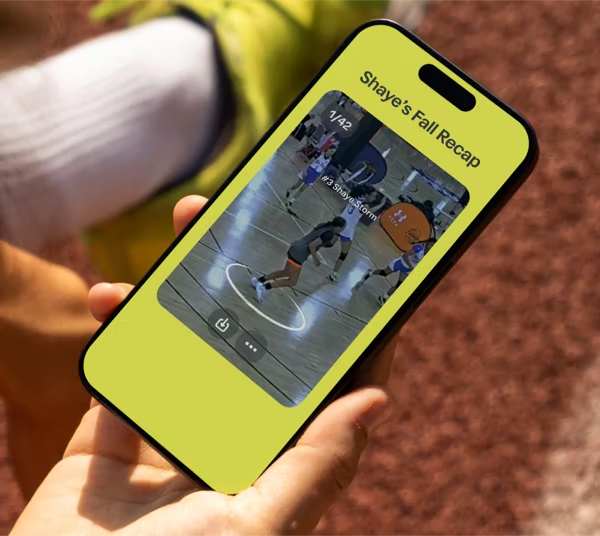
- Add moments to a playlist. Pull your best plays into a single reel. Add or remove clips anytime.
- Reorder for impact. Put your strongest highlights first.
- Create position-specific playlists. If a coach asks to see more of one skill, build a focused playlist for that request.
- Generate a share link. Your reel becomes a single link you can send to any coach.
The key difference from traditional editing: your reel is never "finished." As your player improves through a high school career, you update the same profile instead of producing a brand-new video from scratch every season.
Old way vs. Trace: editing a soccer highlight video
| Step | Traditional editing | Editing with Trace |
|---|---|---|
| Recording | Film every game by hand or hire a videographer | TraceCam records every game automatically |
| Finding clips | Scrub through hours of footage | Plays auto-clipped by player within hours |
| Editing | Manually cut and arrange in software | Add or remove moments in your Trace iD |
| Storage | Large files fill up your computer | Cloud-based, nothing to download |
| Updating | Re-edit a new video each season | Update the same profile anytime |
| Sharing | Files too big to email | Share a single link |
Why cloud storage matters for recruiting video
Highlight videos get big fast, and recruiting is a multi-year process. Storage becomes a real problem with the old approach.
Trace stores every game, playlist, and player profile in the cloud. That solves two things at once:
- No downloads. Full-game files and highlight reels don't eat up your personal or work computer.
- Always up to date. Your player's highlights should improve as your player does. Cloud storage means you're building one growing profile, not saving a dozen dated versions.
How to share a highlight video with college coaches
The best reel does nothing if a coach can't open it. File sizes are usually too large to email, which is where a lot of homemade videos stall out.
With Trace, sharing is a link. You can share a single moment or an entire highlight playlist with one URL. That gives you two practical advantages:
- Control what coaches see. Send a focused playlist tailored to what a specific program is looking for.
- Send the same link to family. Friends and family can watch your player's best moments without you exporting or uploading anything.
For recruiting emails, paste the link, keep the message short, and point the coach to the exact reel you want them to watch first.
Frequently asked questions
How long should a soccer highlight video be? Two to three minutes is the standard for recruiting. Coaches watch a lot of film, so a shorter, sharper reel is more effective than a long one.
Do I still need editing software with Trace? No. Trace clips your player's plays automatically, and you build reels by adding and removing moments in your Trace iD. There's no separate editing software to learn.
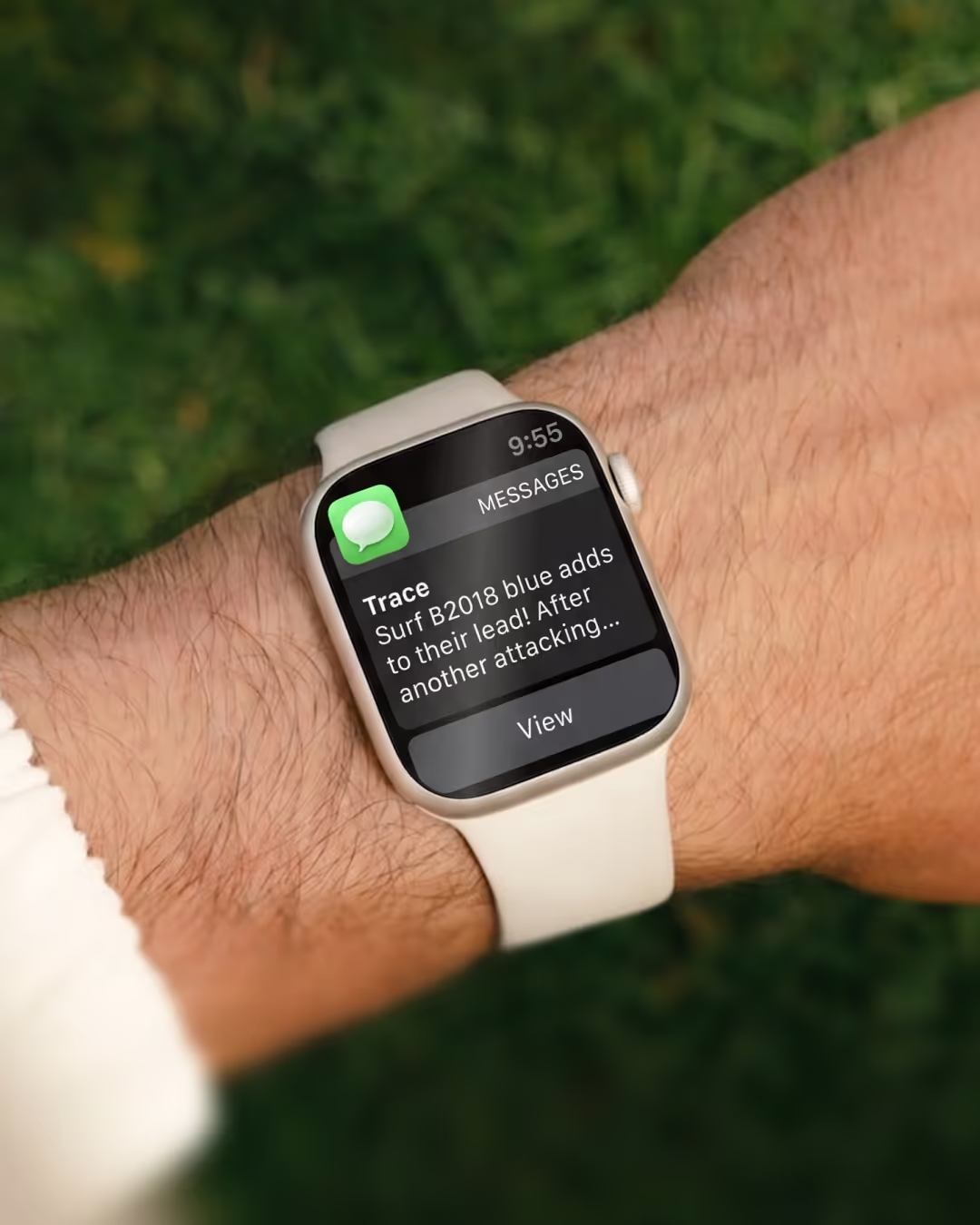
How fast can I get my clips after a game? Trace sends each player their individual highlights within hours of the game ending.
Can I make different videos for different coaches? Yes. You can build position-specific or skill-specific playlists and share a separate link for each request.
What should I put first in a recruiting reel? Your single best play. Coaches often decide within the first 20 seconds, so lead with your strongest moment.
Your next step
Editing a soccer highlight video used to mean filming, scrubbing, cutting, and exporting. In 2026, the smarter workflow starts with footage that's already recorded and clipped, so you spend your time choosing the best moments and sending them to the right coaches.
If you want to see how a finished Trace iD looks and how easy it is to build a recruiting reel from real game footage, take an interactive tour of an example Trace iD and see what your player's profile could look like.


