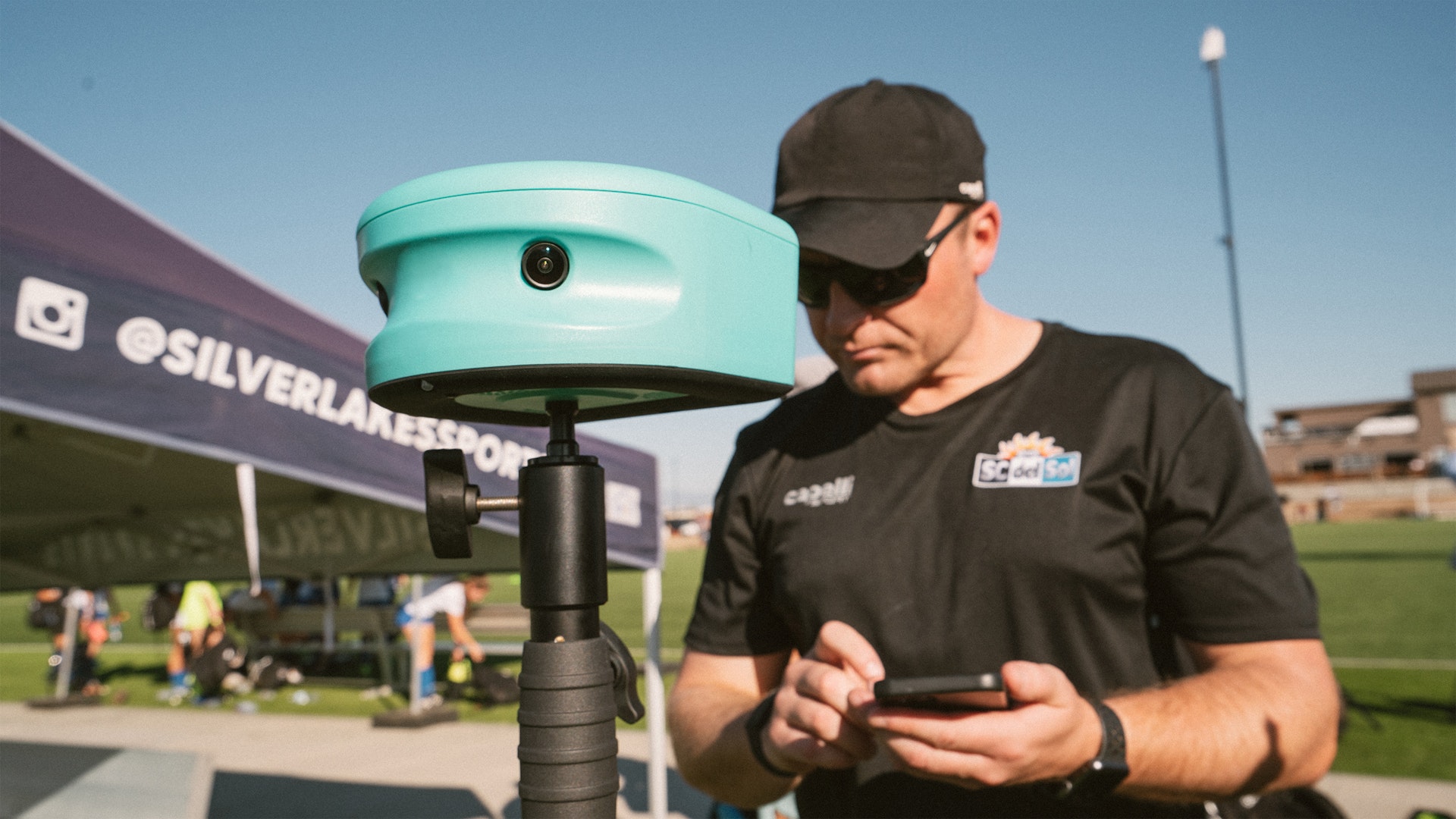
Choosing a soccer camera in 2026 means comparing four real options: a smartphone, an action camera like a GoPro, a traditional camcorder, or a purpose-built AI soccer camera like Trace. Each records footage, but only one automatically identifies your child, tracks them through the game, and delivers edited highlights without any work from you. This guide breaks down what actually matters when picking a camera, so you can choose the right fit for your family's time, budget, and goals.
Do Parents Really Need to Record Soccer Games?
Yes. Recording games benefits players at every level, from U8 recreational soccer through college showcases. Game footage isn't just a keepsake — it's a development tool and, later, a recruiting asset.
A good soccer camera setup lets you:
- Give coaches game footage to provide personalized feedback on technique and decision-making
- Let players review their own clips to see what worked and what didn't
- Build a highlight reel for the soccer recruiting process
- Give a club or team modern, shared technology instead of relying on one parent's phone
Recording games consistently matters more than recording one perfect game. The camera that makes weekly recording effortless is usually the one that gets used — which is why ease of use should weigh as heavily as picture quality when you're comparing options.
Comparing Your Soccer Camera Options
Below is how the four most common recording methods stack up on the factors parents care about most: effort required, editing, cost, and output quality.
| Camera Option | Recording Effort | Editing Required | Best For | Limitation |
|---|---|---|---|---|
| Trace AI Soccer Camera | Low — camera auto-tracks play | None — highlights generated automatically | Parents who want hands-off, player-specific highlights every game | Requires the camera setup at each game |
| iPhone / Smartphone | High — a person must hold or angle it | Manual, done by a parent | Backup recording or one-off games | Time-consuming to shoot and edit well |
| GoPro / Action Camera | Medium — needs a mount or tripod | Manual, done by a parent | Wide-angle, durable outdoor recording | Not built to isolate individual players |
| Traditional Camcorder | Medium — needs an operator | Manual, done by a parent | Parents who want full manual control | No automatic highlights or player tagging |
Option 1: An AI Soccer Camera Like Trace
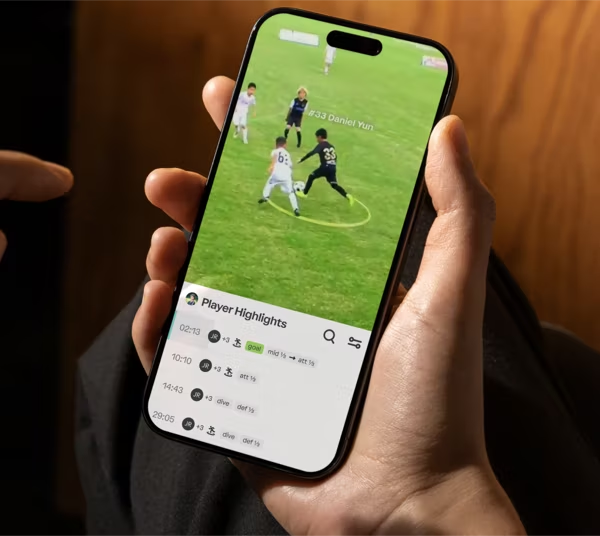
Trace is an AI-powered camera that records full games and automatically edits each player's highlights, delivering a playlist of key moments shortly after the final whistle. It's the only camera in this list built specifically to solve the two biggest pain points parents run into: filming the whole game and then editing it down to something useful.
Key Trace features that address common parent frustrations:
- Automatic highlight generation — no manual scrubbing through hours of footage to find your child's plays
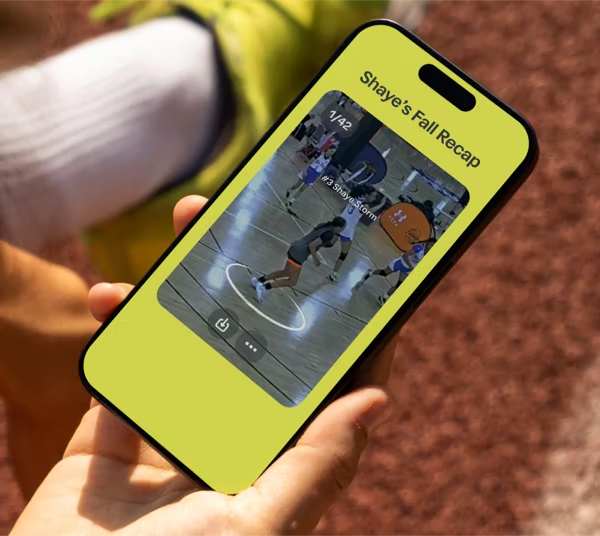
- Trace iD — a personalized profile for every player on the team, so each family can access and share their own athlete's clips without digging through a shared drive
- MultiCam — lets parents on the sideline add their phone footage from different angles, which Trace syncs with the main camera feed for a more complete, multi-angle highlight video
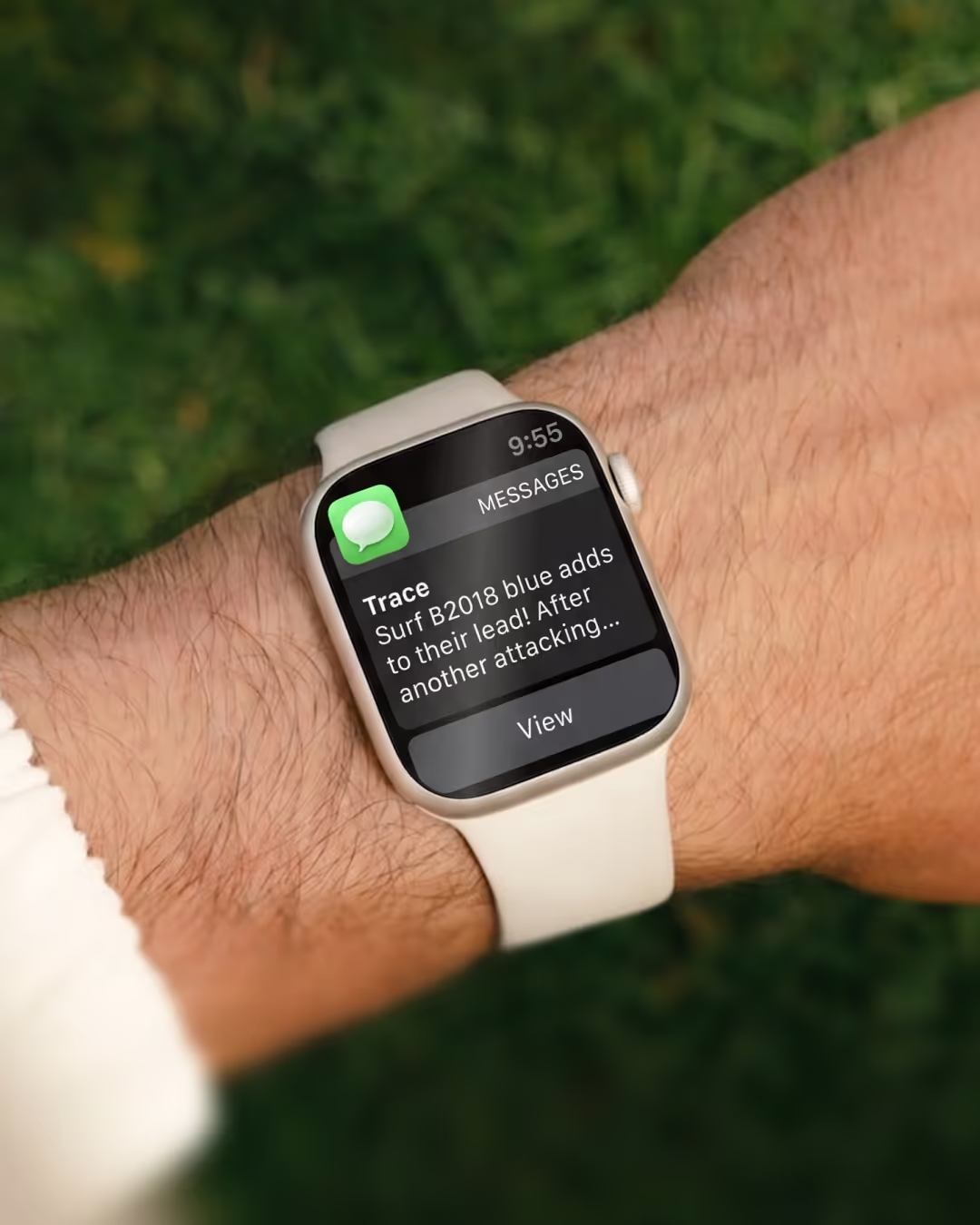
- PlayerCam and Live Updates — additional viewing options for following the game and specific players in real time
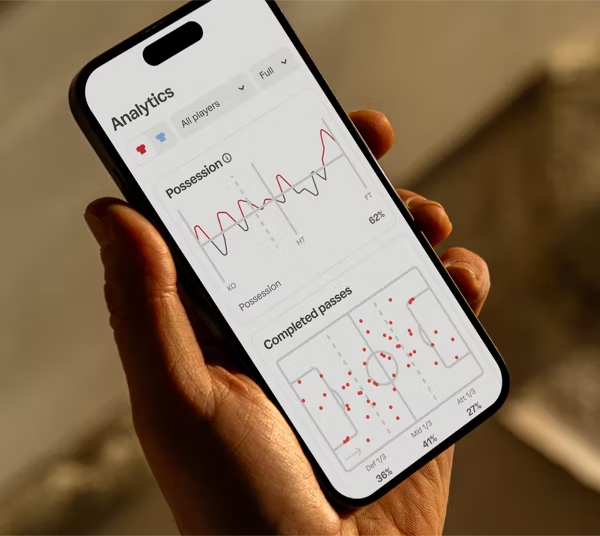
- Analytics — performance data alongside the video, giving coaches and players more than just highlight clips to review
For a parent, this means you no longer have to choose between watching your child play live and operating a camera. The camera runs itself, and the editing happens automatically — which is the main reason soccer-specific AI cameras have become the standard recommendation over generic recording devices.
How Trace Compares to a Generic Sports Camera
The difference isn't the lens or the sensor — it's the software behind it. A generic camera, however well it films, still leaves you with raw footage and no way to know which minutes matter. Trace's software identifies plays and players automatically, which is the step every other option in this guide requires a human to do manually, usually after the whole family is tired and the footage sits untouched.
Option 2: Recording Soccer Games with an iPhone
An iPhone is the most common backup option because almost every parent already has one. It's convenient, but it comes with real tradeoffs: someone has to hold the phone (or set up a tripod), stay attentive for the full game, and then edit the footage afterward.
If you're filming with a phone, keep these six practices in mind:
- Record from a high vantage point when possible
- Bring a tripod to keep footage stable
- Choose a clear sideline spot with an unobstructed view
- Set aside dedicated time to edit afterward
- Confirm your phone has enough storage before the game
- Charge your phone fully beforehand
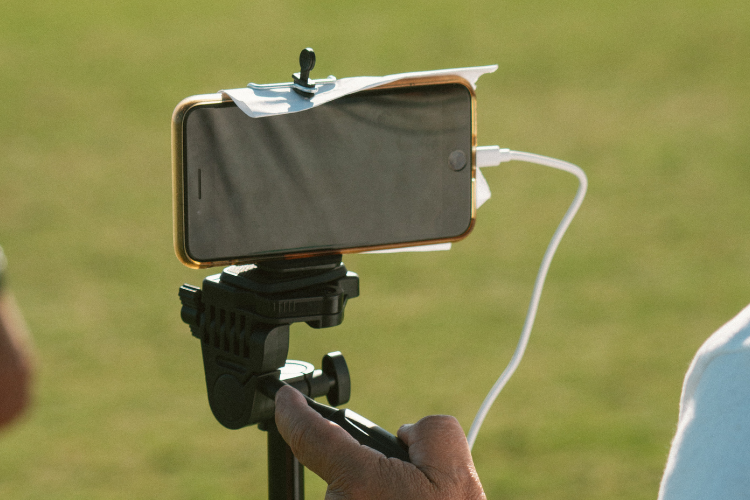
There's also a way to combine a phone with a soccer-specific camera. Trace's MultiCam feature lets parents set their phones up anywhere along the sideline while the Trace camera holds a fixed position near midfield. Trace's software then syncs every phone angle with the main camera feed into one cohesive highlight video — giving you multi-angle footage without anyone needing to edit it by hand.
Option 3: Recording Soccer Games with a GoPro or Action Camera
Action cameras from brands like GoPro are rugged, portable, and versatile enough to use for any sport, not just soccer. They aren't designed specifically for soccer, but they hold up well outdoors and can mount to a tripod or fence for a stable wide shot.
The tradeoff is the same as with a phone: an action camera captures footage, but it doesn't know who your child is or which moments matter. You'll still need to review, clip, and edit the footage yourself. If editing time is limited, our soccer video editing guide can help you get usable highlights out of raw game film more efficiently.
Option 4: Recording Soccer Games with a Traditional Camcorder
If editing isn't a priority and you just want reliable, high-quality footage, a traditional camcorder is a reasonable option. Handheld camcorders and mirrorless cameras offer strong zoom, stable image quality, and the flexibility of interchangeable lenses. Common choices include:
- Consumer handheld camcorders — straightforward, affordable, and easy for a parent to operate from the sideline
- Mid-range camcorders with enhanced zoom — useful for following play from farther away, such as from bleachers
- Compact mirrorless cameras — offer the sharpest image quality and fastest autofocus, at a higher price point
The downside is the same across all three: someone has to operate the camera for the full game, and there's no automatic player tracking or highlight editing built in.
Which Soccer Camera Should You Choose?
- Choose Trace if you want automatic highlights, a personalized player profile, and the least amount of hands-on work.
- Choose a smartphone if you need a free, flexible backup option and don't mind editing footage yourself.
- Choose a GoPro or action camera if you want a durable, all-purpose camera you'll also use for other sports or activities.
- Choose a traditional camcorder if picture quality and manual control matter more to you than automatic editing.
FAQ: Soccer Cameras for Parents
Do I need a soccer-specific camera, or is a phone good enough? A phone works for occasional games, but it requires someone to film and edit every clip manually. A soccer-specific camera like Trace removes both of those tasks by recording and editing automatically.
What age should players start being recorded? There's no minimum age. Recording from U8 onward helps build a long-term library of footage for development and, later, recruiting purposes.
Can I use a phone and a dedicated camera together? Yes. Trace's MultiCam feature is built for exactly this — it syncs sideline phone footage with the main Trace camera for multi-angle highlights.
How long does it take to get highlights after a game? With Trace, highlights are generated automatically and are typically available shortly after the game ends, without any manual editing.
Is a GoPro or camcorder better for soccer than a smartphone? Both offer better durability or image quality than a phone in some cases, but neither automatically edits footage or identifies players the way an AI soccer camera does.
Next Step
If you're recording games to help your player develop or build a recruiting reel, an AI soccer camera removes the two biggest obstacles — filming the whole game, and editing it afterward. Every game filmed, every highlight clipped, nothing left for you to do but watch. See Trace plans and pricing to find the option that fits your season.


