How automated game analysis works for youth sports
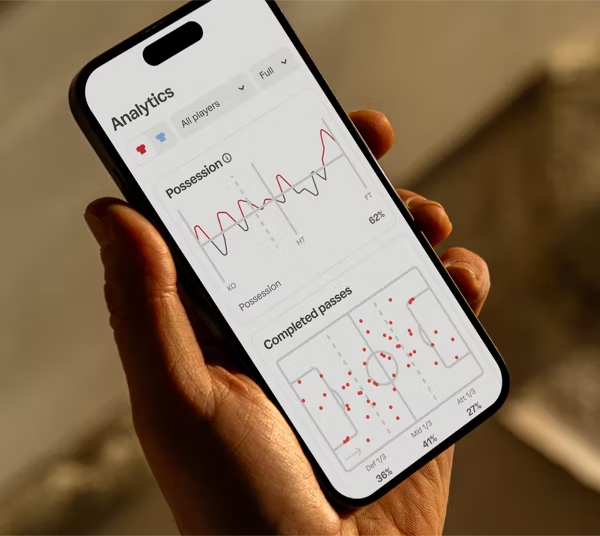
Automated game analysis is software that watches a recorded game, finds the players and the ball, and turns the footage into highlights, playlists and stats without anyone tagging clips.
The big difference is who it's built for. Some tools analyze the team for the coach. Trace analyzes every player, so each family gets its own player's moments within hours.
How does automated game analysis work, step by step?
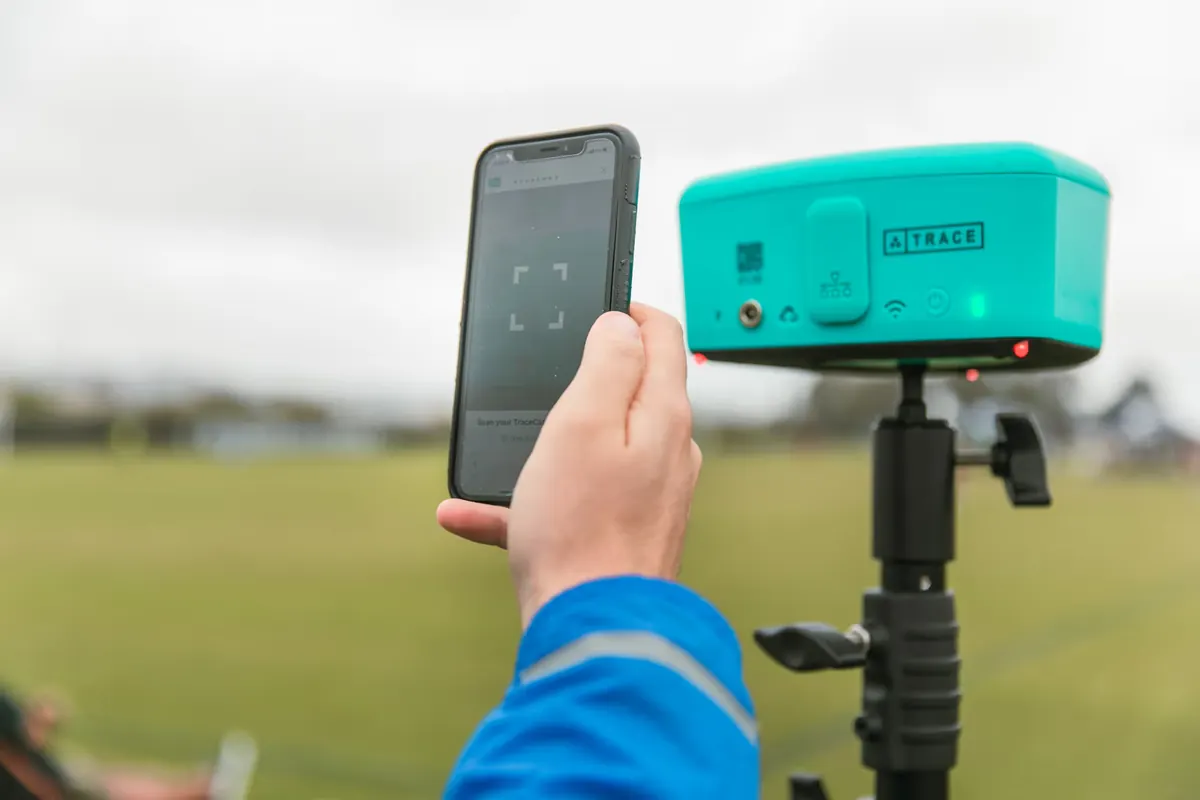
 Step 1
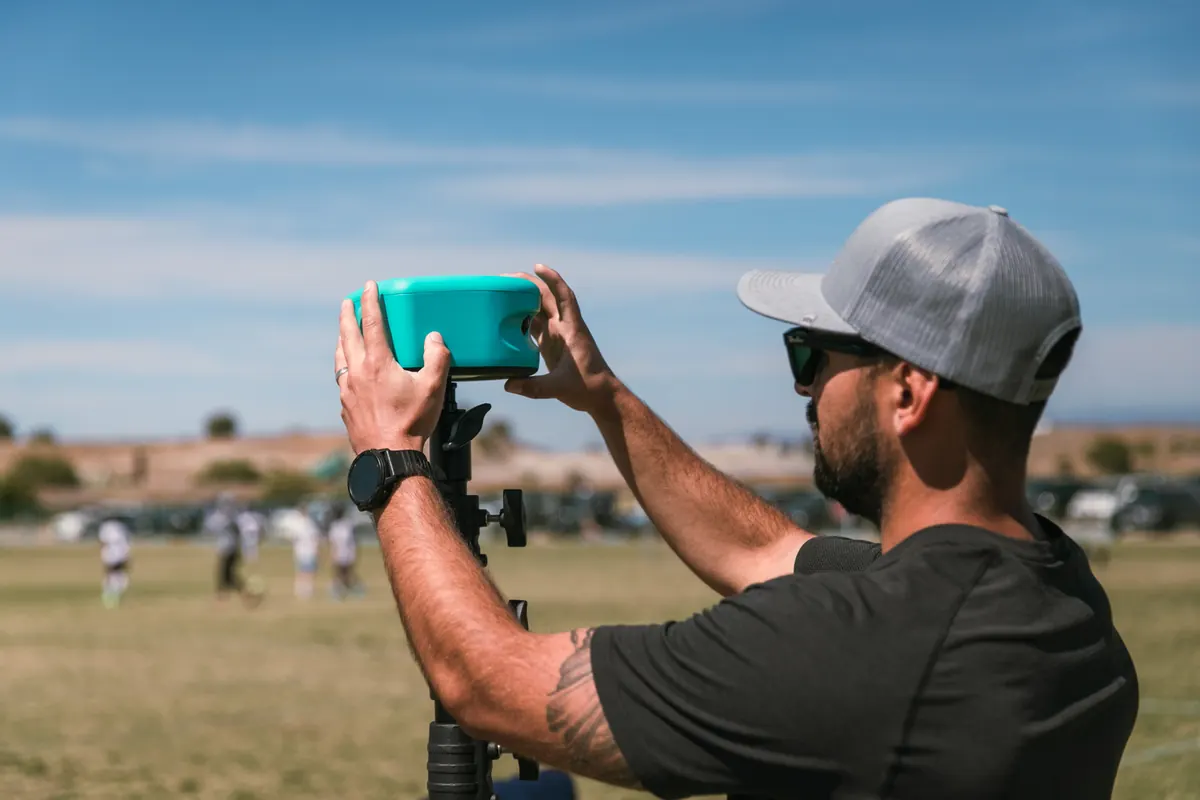
Record the whole field
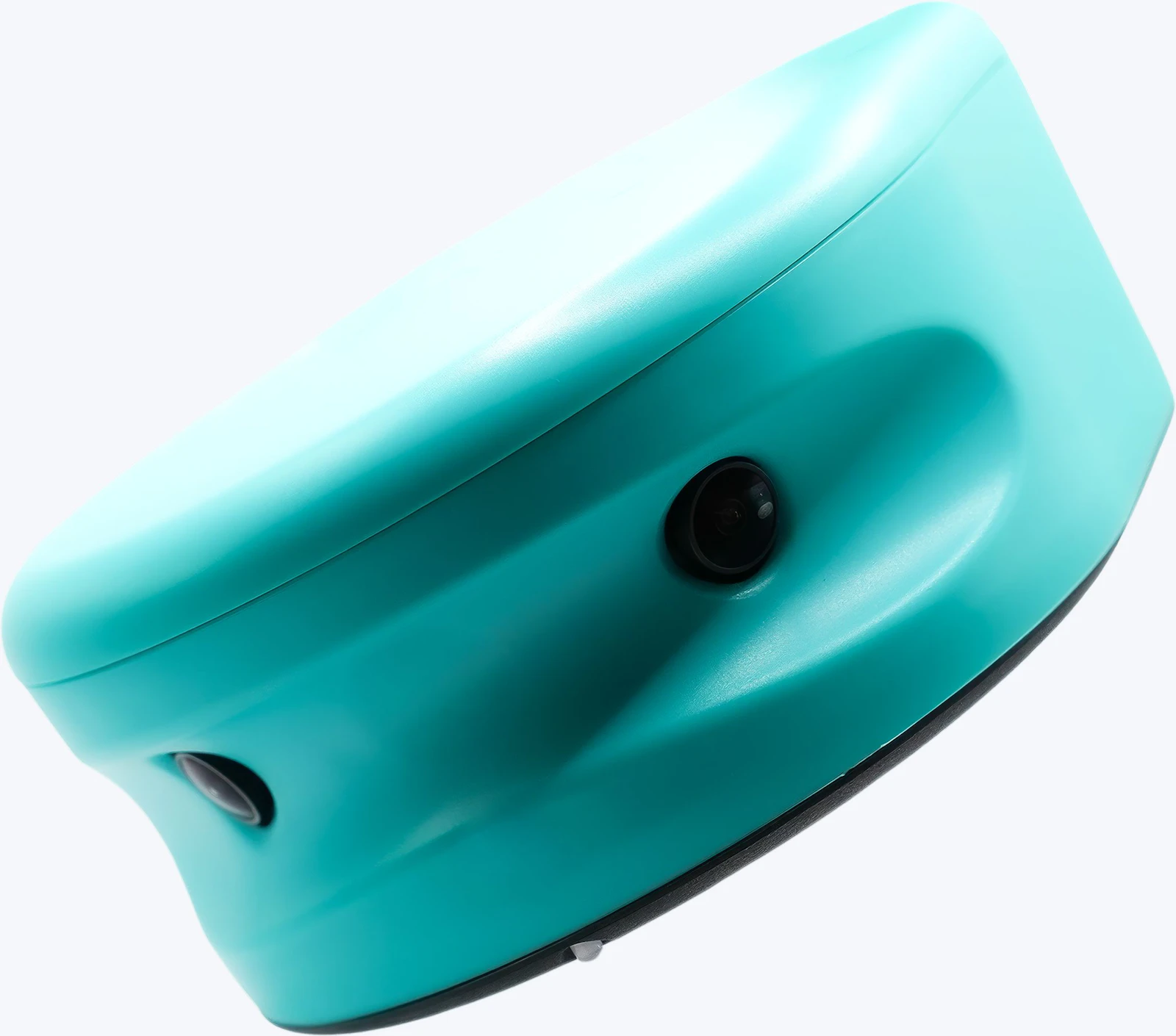
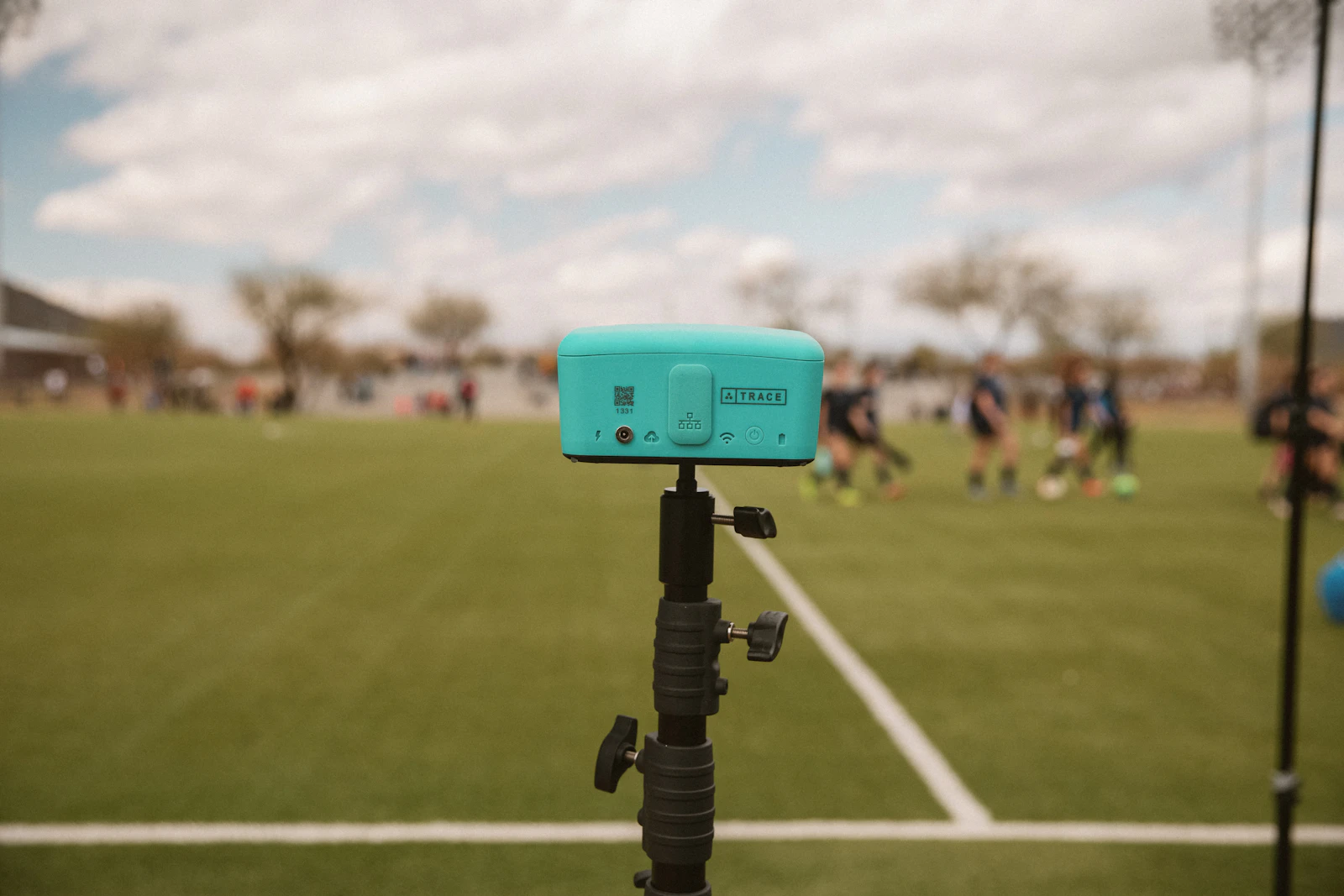
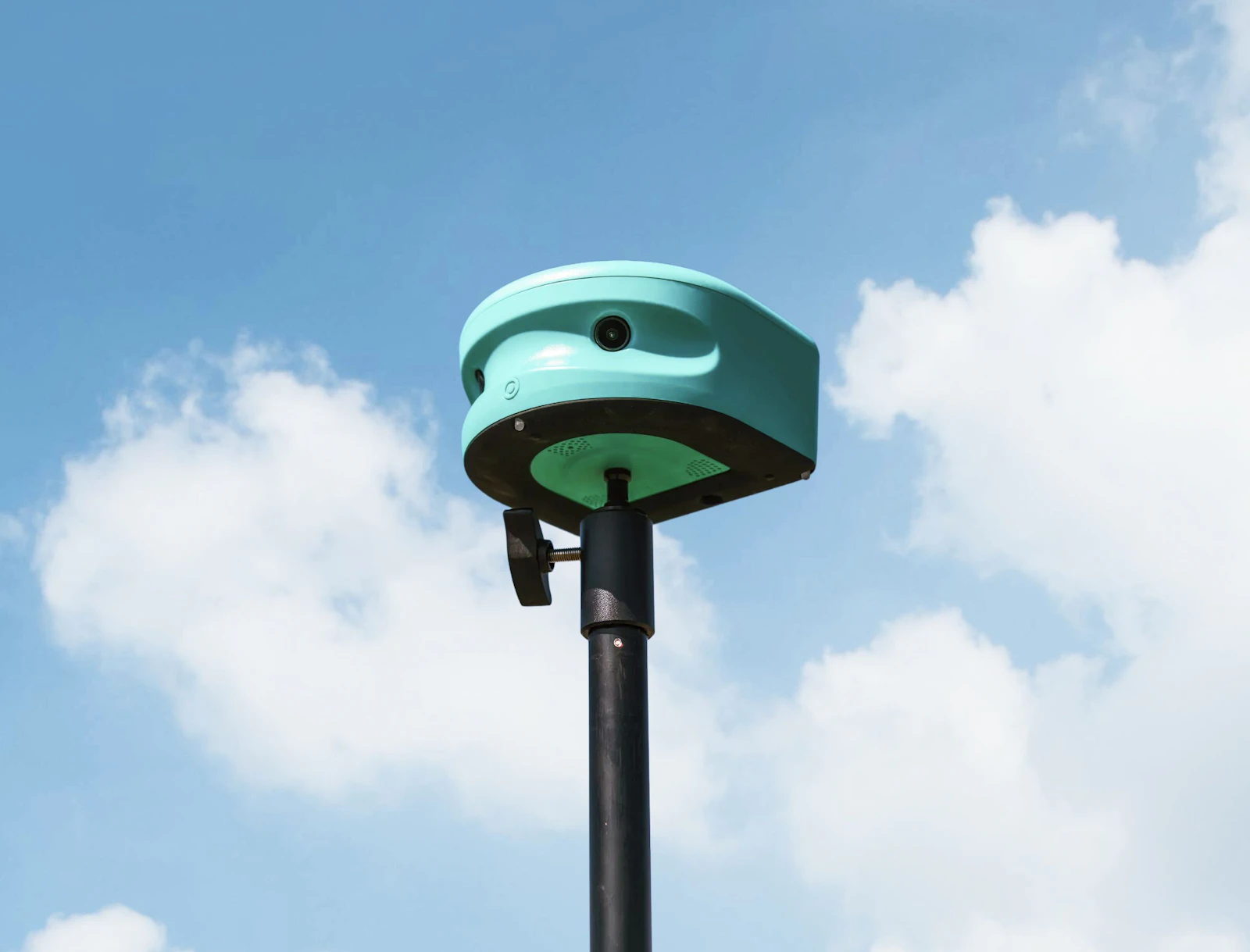
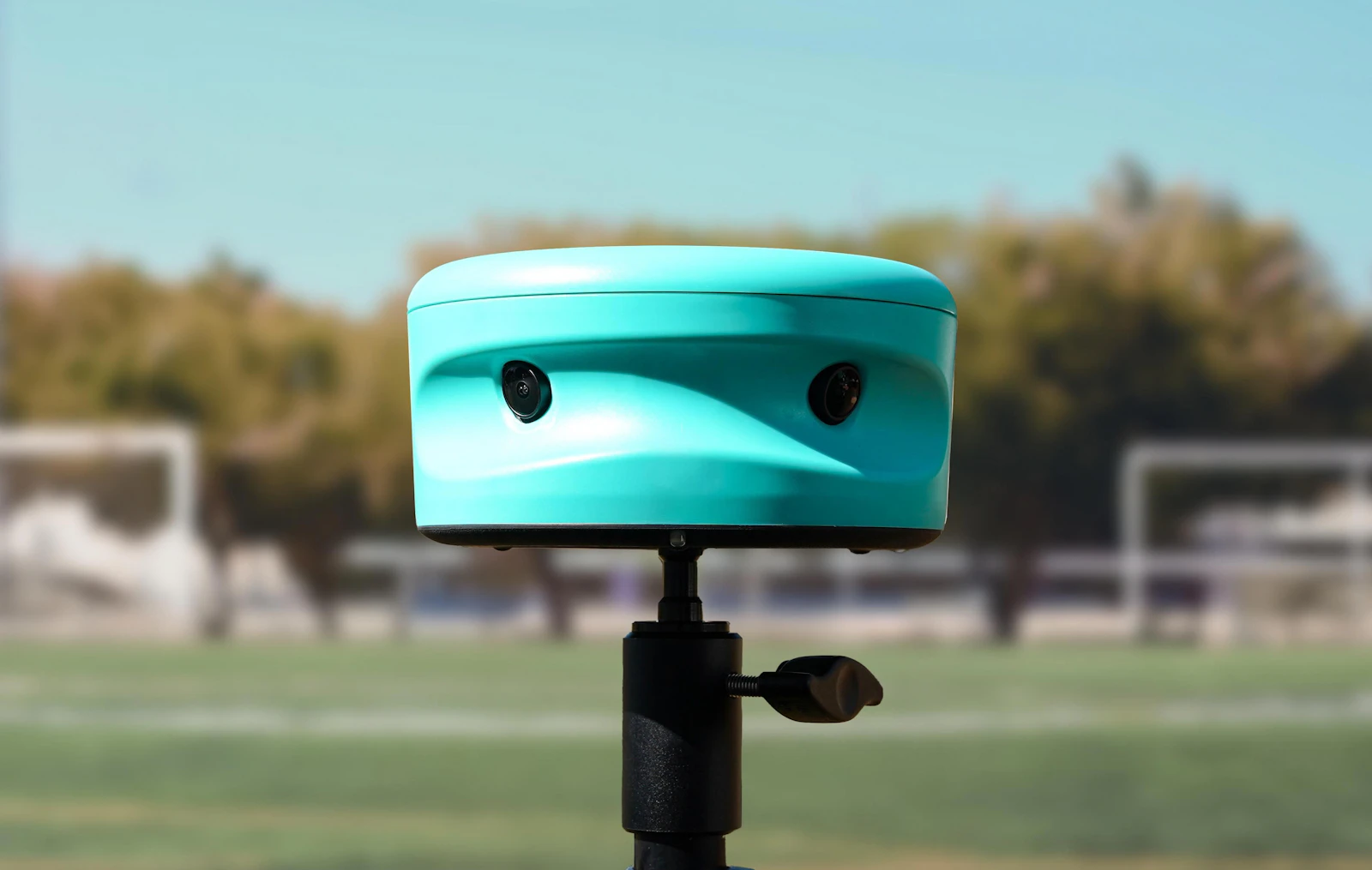
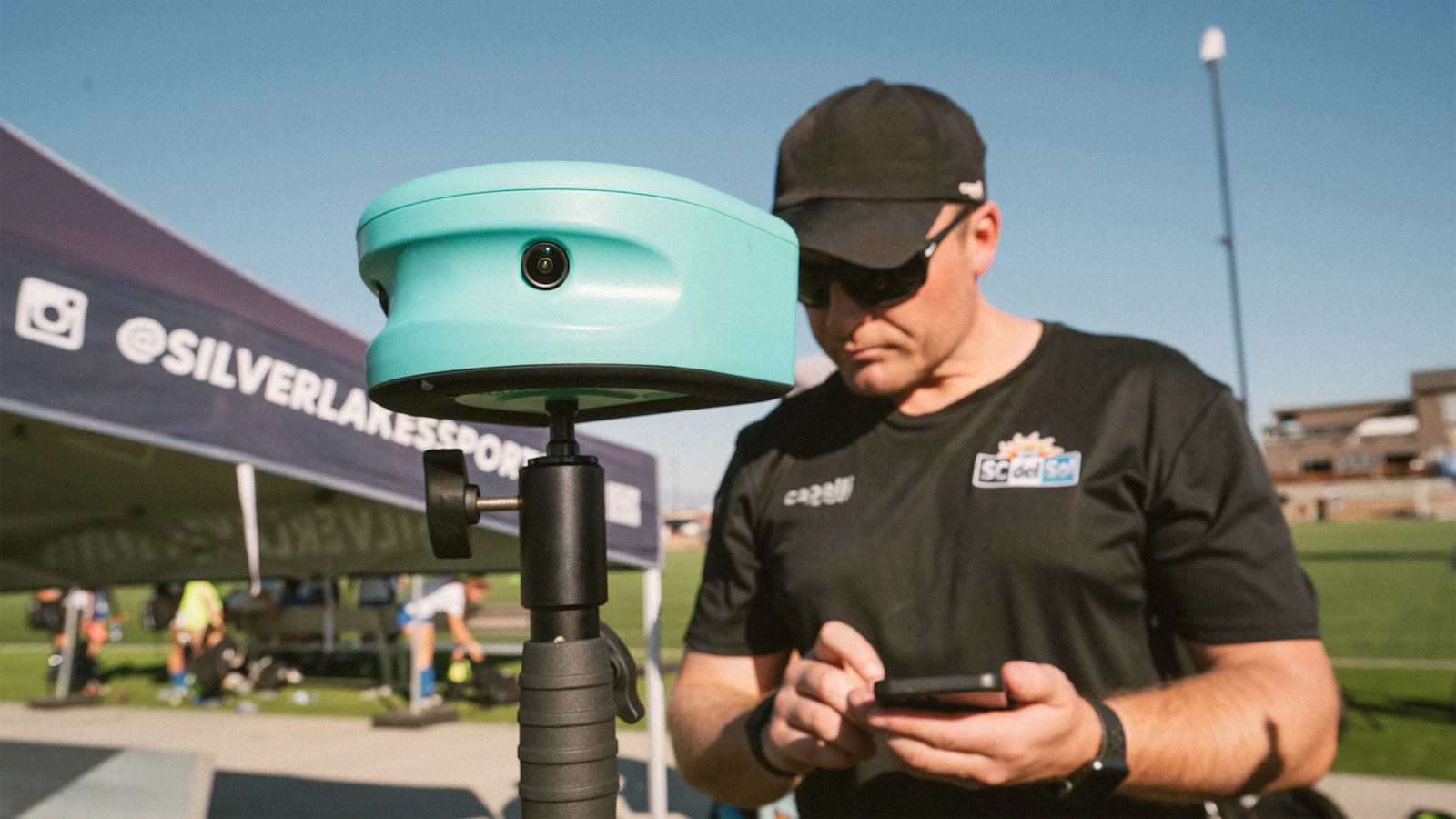
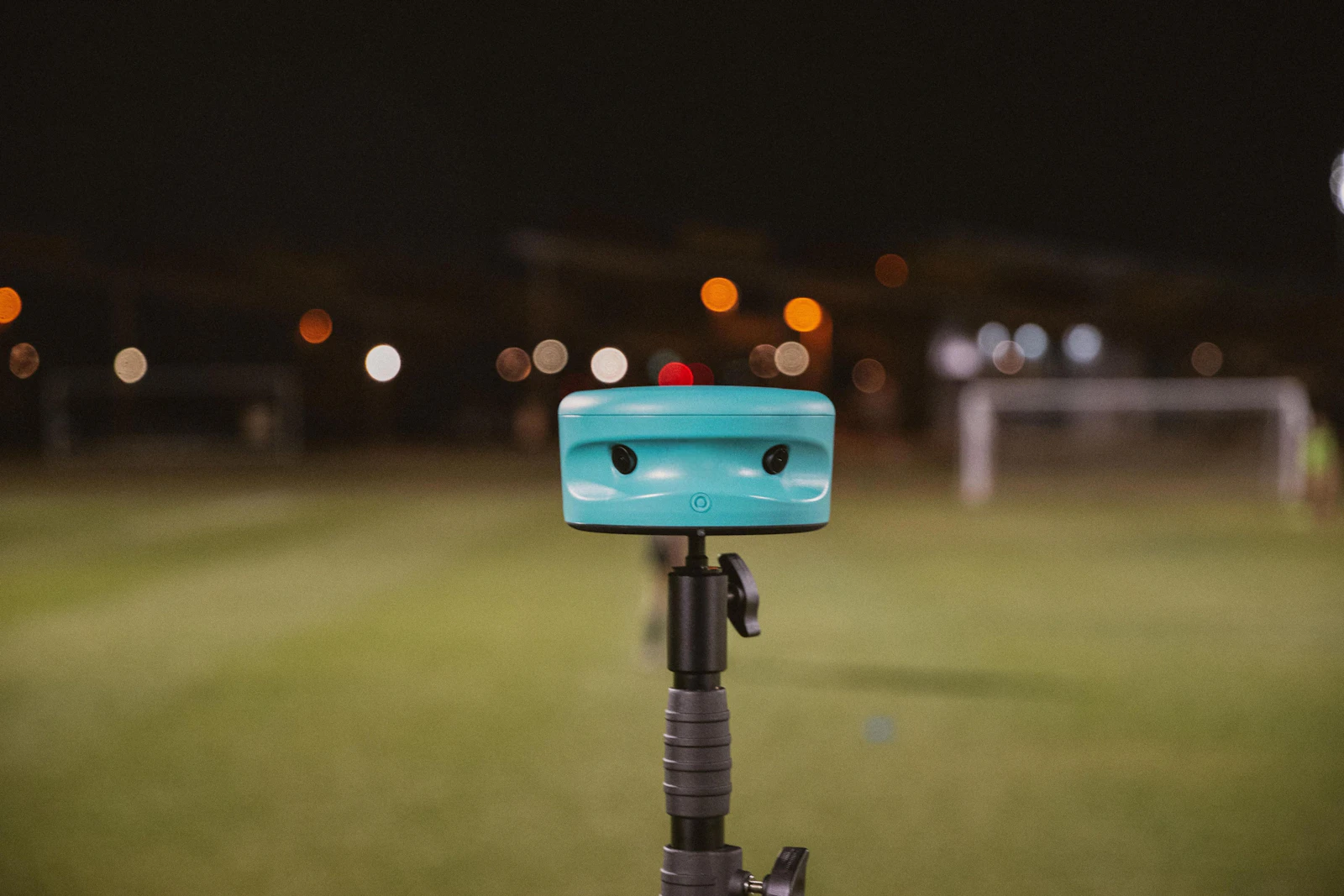
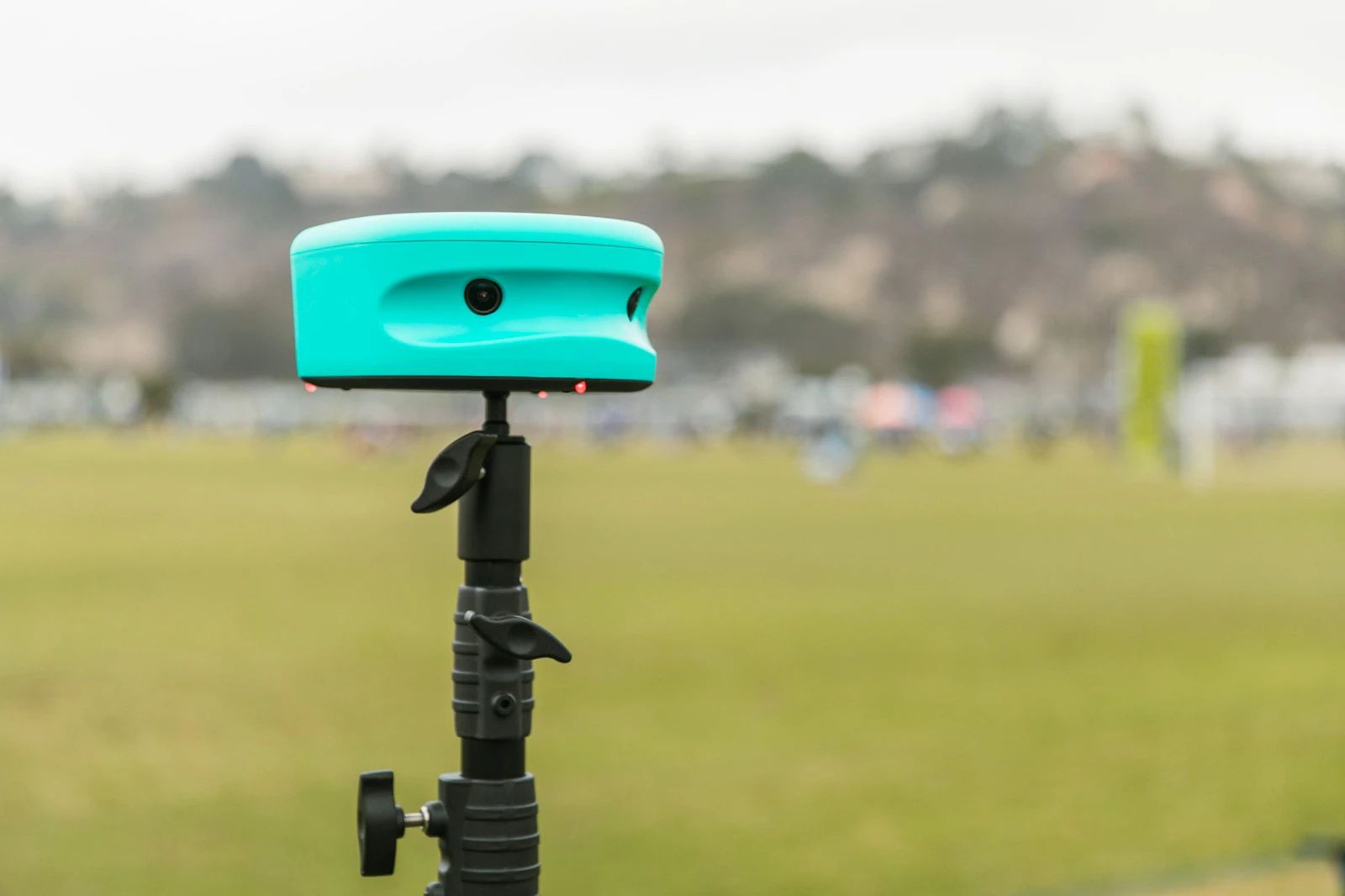
A camera high at midfield films the entire field. Trace covers 180 degrees from a 16 ft tripod.
 Step 2
Upload
After the final whistle, the footage uploads to the cloud.
 Step 3
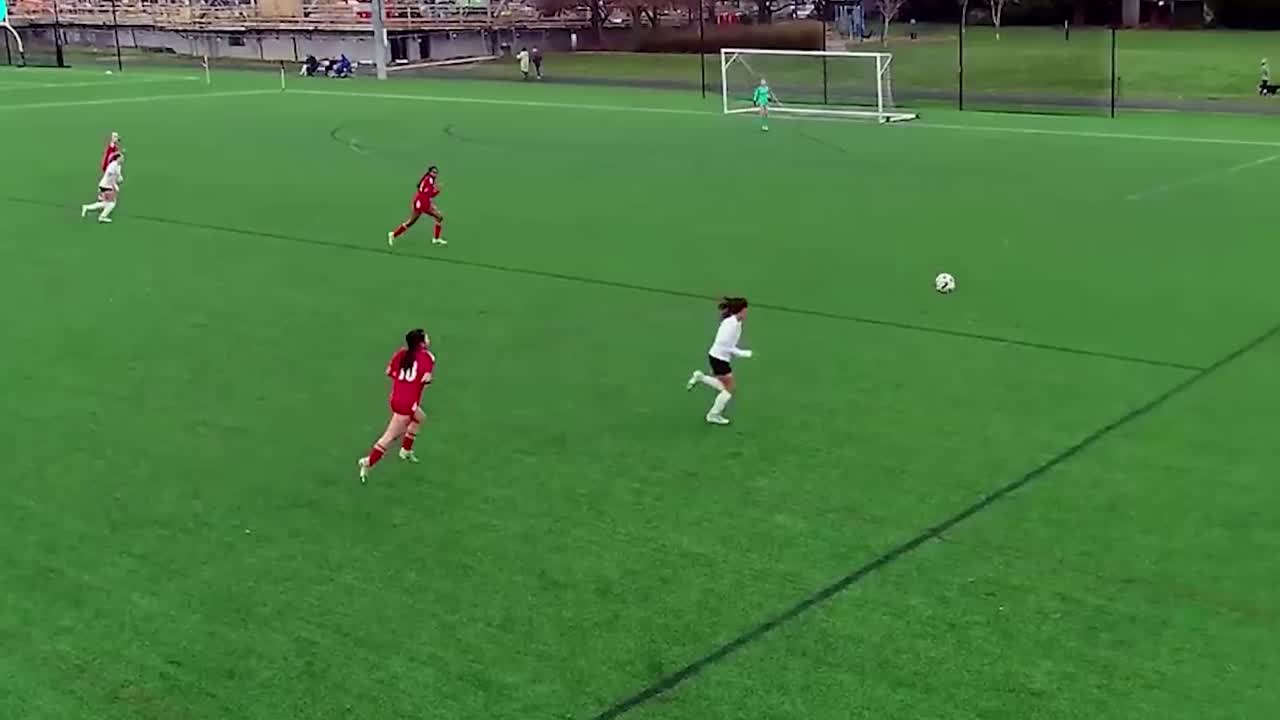
Find the players and ball
Computer vision tracks every player and the ball, frame by frame.
 Step 4
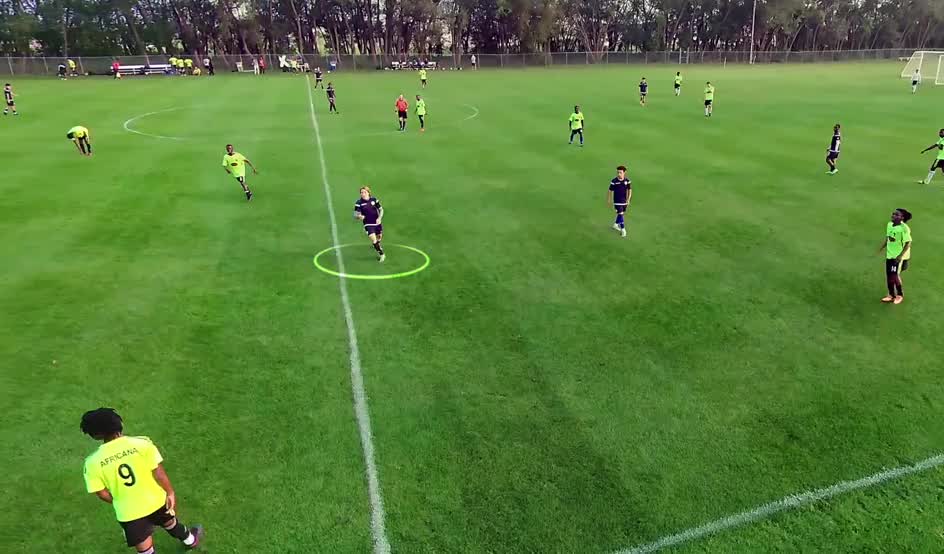
Figure out who is who
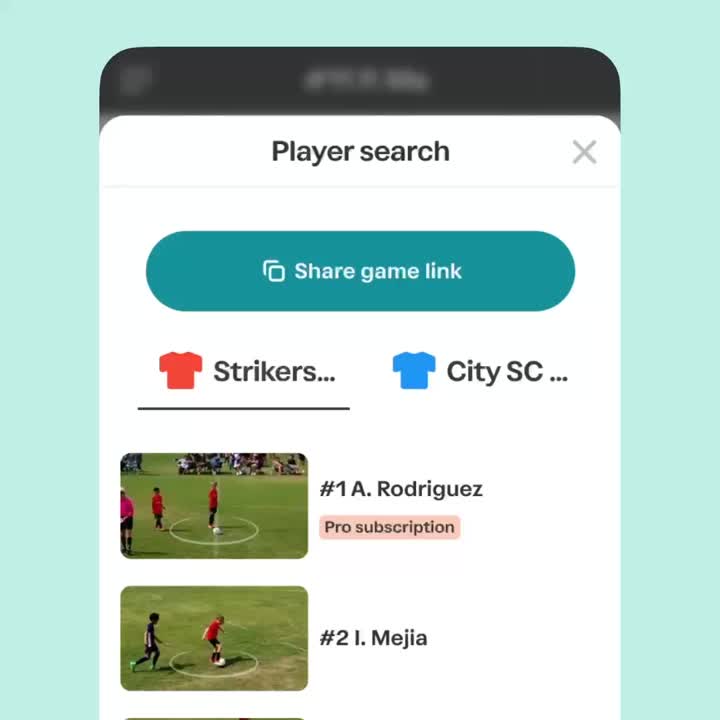
Each tracked player is matched to the right name. PlayerFocus does this automatically for every player, with no manual tagging.
 Step 5
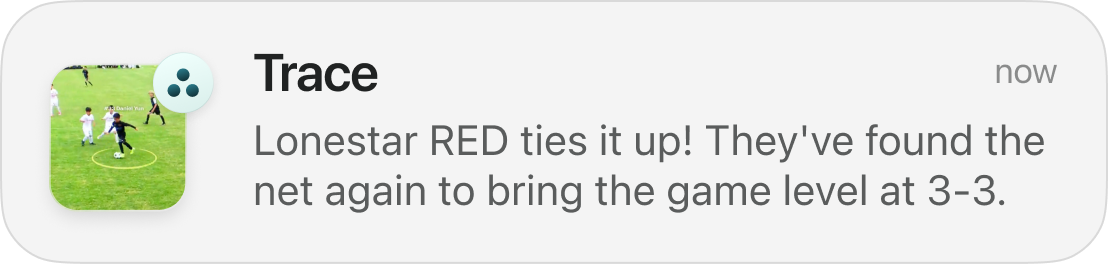
Spot the big moments
Goals, shots and attacking chances are marked and linked to the players involved.
 Step 6
Deliver clips and stats
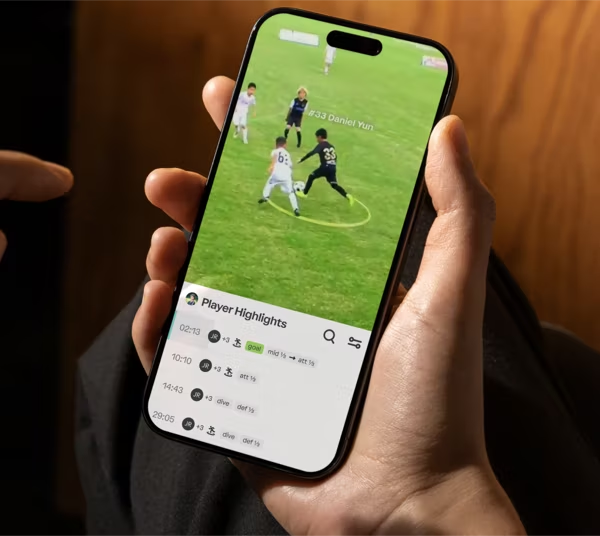
Families get their player's highlights. Coaches get playlists and stats. Within hours.
Team analysis vs player analysis: what's the difference?
Most systems started as coach tools: film the team, detect events, hand over the full game. Player analysis goes one step further and gives every player their own clips.
| Trace | Veo | Hudl | Pixellot | XbotGo | Spiideo | |
|---|---|---|---|---|---|---|
| What the AI follows | Every rostered player | The game, follow-cam | The game | The game, auto-produced | One target | The game, venue cameras |
| Per-player highlights | Yes.Every plan | Partly.Analytics 2 add-on | Partly.Assist+ add-on | Partly.Depends on service | No.No | No.Not published |
| Who tags | Yes.Nobody | Partly.AI events; coaches link jerseys | Partly.Hudl analysts or coaches | Partly.In-app tagging | Partly.Paid match report | Partly.Coaches in Perform |
Last verified: October 19, 2026. Sources for each product are on its comparison page.
What do coaches and families actually get?
Your player, front and center
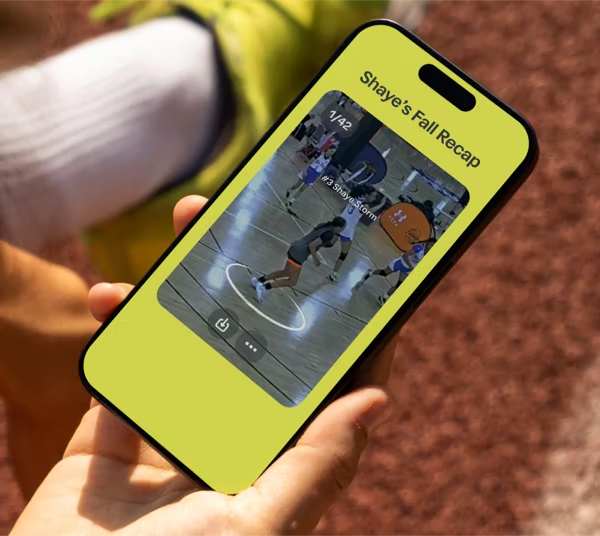
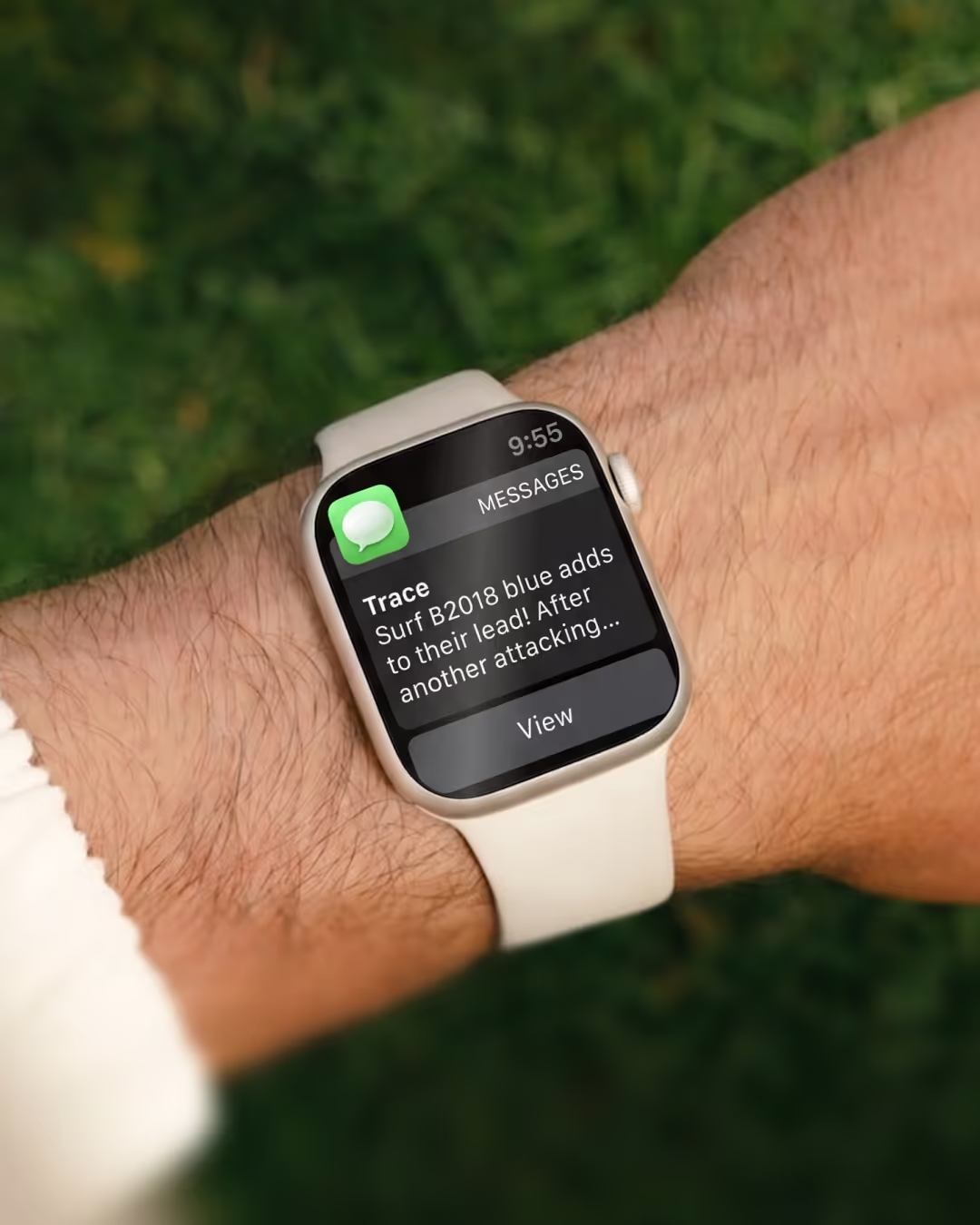
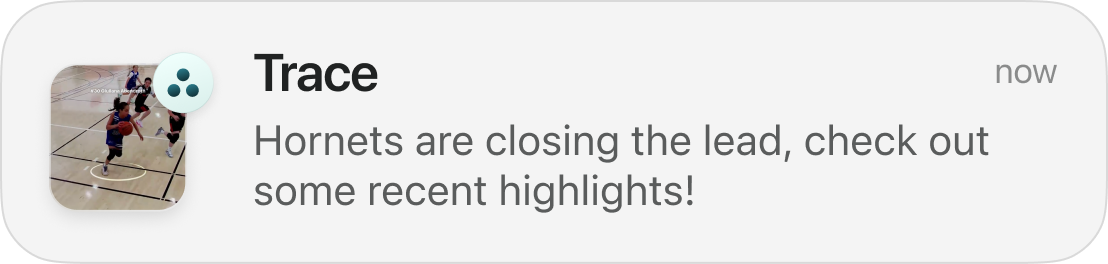
Their moments clipped and ready, a PlayerCam that follows them, and goal clips on your phone during the game.
Every player's clips, ready for feedback
Full game film, tactical plays, a coach playlist and a clip list for every player. PlayerFocus Analytics on Pro, every stat linked to video.
The convenience of having all the Trace moments the next day after games, and everything already being tagged, was great.
Questions to ask before you buy
Every player or the team?
Does each player get their own highlights?
Who tags the game?
The AI, a paid analyst, or you?
How fast?
How long after the game are clips ready?
Year-one cost?
Including the camera?
Livestreaming?
Included or an add-on?
What setup does the AI need?
Ask what you have to enter or tag. Trace identifies players automatically.
Compare the answers on our comparison hub or the best soccer cameras roundup.
Frequently asked questions
What is automated game analysis?
Software that watches a recorded game, finds the players and ball, and creates highlights, playlists and stats without anyone tagging clips by hand.
How accurate is AI player tracking in youth soccer?
It depends on camera position. Mount the camera high at midfield and avoid shooting through nets or fences. Trace's PlayerFocus then identifies and follows every player automatically.
How long does automated analysis take?
With Trace, PlayerCams are typically ready within hours of the game. Upload speed depends on your connection.
Do I need to tag clips myself?
Not with Trace. PlayerFocus clips every rostered player's moments automatically. Some other systems rely on coaches or paid analysts to tag.
What sports does Trace's automated analysis support?
Soccer, basketball and football. Live Updates during the game are available for soccer and basketball.
Does automated analysis replace a coach?
No. It saves coaches the hours spent clipping film so they can spend that time teaching.
Related comparisons and guides
 All comparisonsSix soccer cameras, one grid.
 Trace vs VeoEvery player's highlights, or one team camera.
 Trace vs HudlAutomatic clips, or a club film room.
 Best soccer cameras for youth teamsSix cameras ranked by who they fit.
 Best soccer livestreaming for clubsWhat streaming really costs.
 Trace vs PixellotA camera in your bag, or broadcast-style video.
Sources and how we check
Show all sources
Every competitor price and feature comes from the company's own site. "Not published" means we could not find it there. We re-check at least every 30 days. Spot something out of date? Tell us and we will fix it.
- Trace: Pricing and plans. https://traceup.com/pricing
- Trace: Live updates during the game. https://traceup.com/product-features/live-updates
- Trace: PlayerCam, ready within hours. https://traceup.com/product-features/playercam
- Trace: Livestreaming (beta) FAQ. https://support.traceup.com/content/livestreaming-beta-faq
- Trace: Trace iD FAQ. https://support.traceup.com/content/trace-id-faqs
- Trace: Coach and tactical playlists. https://support.traceup.com/content/playerfocus-coach-and-tactical-playlists
- Veo: Plans and pricing (US list prices from the catalog behind this page). https://www.veo.com/en-us/pricing
- Veo: Veo Cam 3. https://www.veo.com/product/veo-cam-3
- Veo: Veo Go. https://www.veo.com/en-us/product/veo-go
- Veo: Veo Live. https://www.veo.com/product/veo-live
- Veo: Player Profile. https://www.veo.com/en-us/product/player-profile
- Veo: Veo buyer's guide for parents and youth teams. https://www.veo.com/en-us/article/buyers-guide-parents-youth-teams
- Veo: Veo's own Veo vs Trace page. https://www.veo.com/en-us/veo-vs-trace
- Hudl: Club soccer pricing (Core, Plus, Premier). https://www.hudl.com/pricing/club/soccer
- Hudl: Focus Flex portable camera. https://www.hudl.com/products/focus/flex
- Hudl: Focus Flex FAQ. https://www.hudl.com/products/focus/faq/portable
- Hudl: Hudl Focus cameras. https://www.hudl.com/products/focus
- Hudl: Hudl Assist for soccer. https://www.hudl.com/products/assist/soccer
- Hudl: Hudl TV livestream pricing guide. https://www.hudl.com/support/hudltv/guides/promoting-your-hudltv-livestreams
- Hudl: Athlete recruiting profile. https://www.hudl.com/support/athletes-guide-to-hudl/guides/player-profile
- Hudl: Hudl for club soccer. https://www.hudl.com/solutions/club/soccer
- Pixellot: Pixellot Air NXT US plans and prices. https://you.pixellot.tv/plans/us/
- Pixellot: Pixellot Air NXT product page. https://pixellot.tv/products/pixellot-air/
- Pixellot: Plan inclusions (storage, VidSwap analytics, breakdowns). https://you.pixellot.tv/pricing-gopro/
- Pixellot: Viewing and sharing support FAQ. https://www.you.pixellot.tv/support-center/air-faq-support/faq-category/viewing-sharing-support/
- Pixellot: Equipment support FAQ. https://you.pixellot.tv/support-center/air-faq-support/faq-category/equipment-support
- Pixellot: Pixellot Show fixed camera. https://www.pixellot.tv/products/show/
- Pixellot: Pixellot FAQ (installation). https://www.pixellot.tv/faq/
- XbotGo: XbotGo store. https://xbotgo.com/collections/all
- XbotGo: Falcon product page. https://xbotgo.com/products/xbotgo-falcon-true-4k-ai-camera-for-team-sports
- XbotGo: Chameleon product page. https://xbotgo.com/products/xbotgo-chameleon-ai-powered-4k-sports-camera-system-phone-mount
- XbotGo: Chameleon features. https://xbotgo.com/pages/xbotgo-chameleon
- XbotGo: Falcon vs Chameleon buying guide. https://xbotgo.com/blogs/buying-guide/falcon-vs-chameleon
- XbotGo: Does XbotGo require a subscription?. https://xbotgo.com/blogs/how-tos/does-xbotgo-require-a-subscription
- XbotGo: Pro Soccer analysis add-on. https://xbotgo.com/pages/pro-soccer-analysis
- XbotGo: Cloud+ storage. https://xbotgo.com/pages/cloud-storage
- Spiideo: Spiideo camera systems. https://www.spiideo.com/sports-video-camera-systems/
- Spiideo: Spiideo for youth. https://www.spiideo.com/youth/
- Spiideo: Spiideo Perform. https://www.spiideo.com/spiideo-perform/
- Spiideo: Spiideo Play. https://www.spiideo.com/spiideo-play/
- Spiideo: Spiideo Play subscription tiers. https://support.spiideo.com/en/articles/6306130
- Spiideo: Selling streams and season passes. https://support.spiideo.com/en/articles/6940927
- Spiideo: Portable SmartCam. https://support.spiideo.com/en/articles/4888118
- Spiideo: NCAA DI women's soccer video exchange. https://www.spiideo.com/ncaa-soccer-video-exchange-women-di/