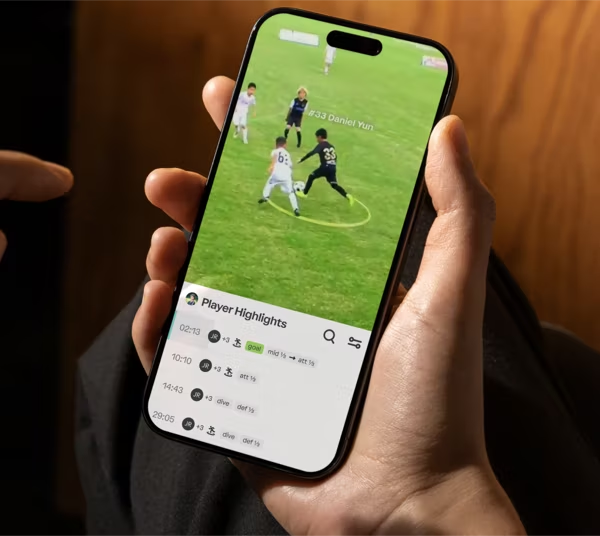
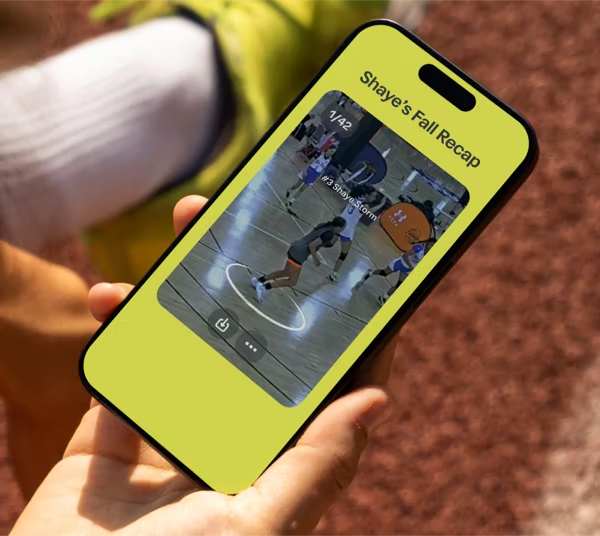
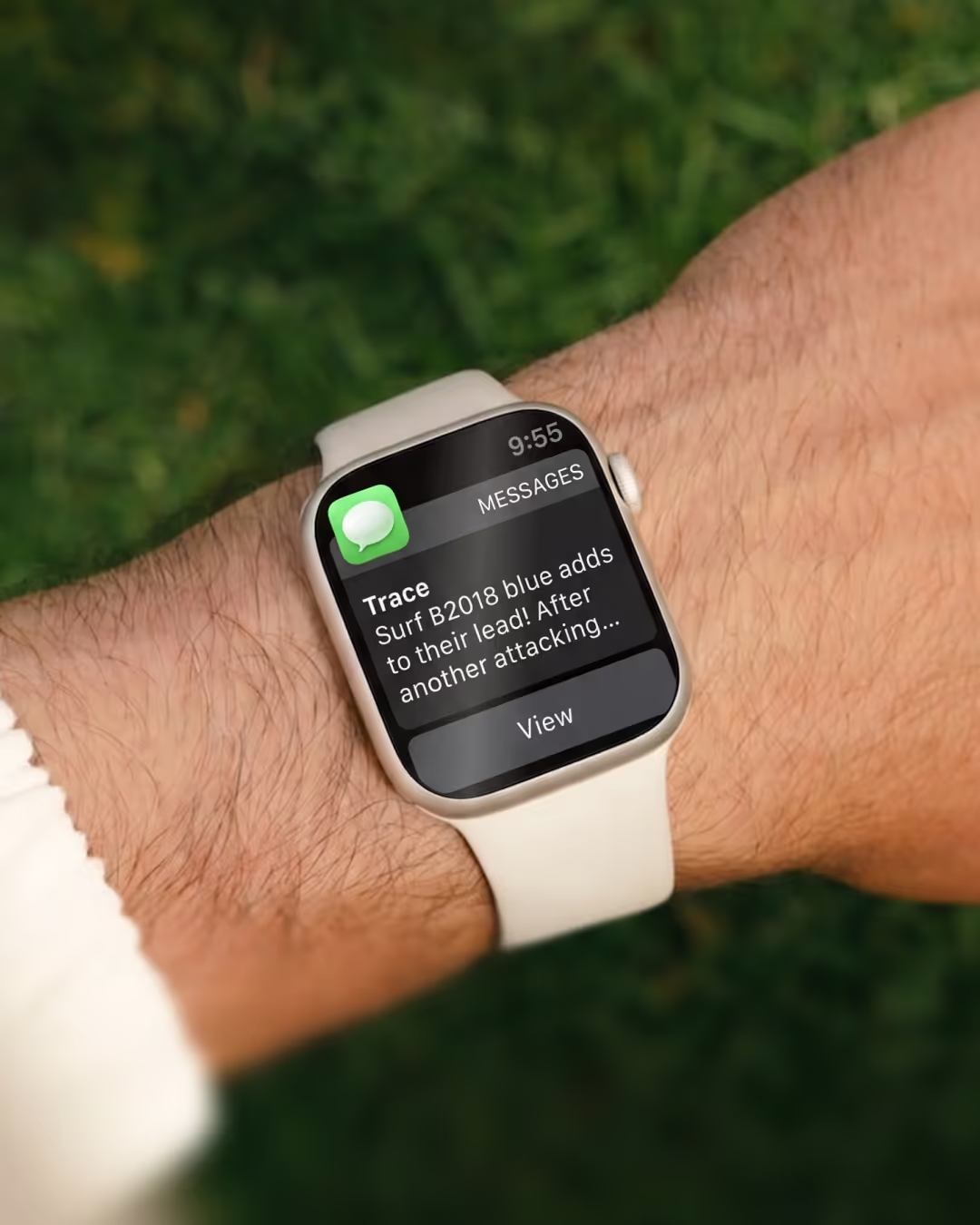
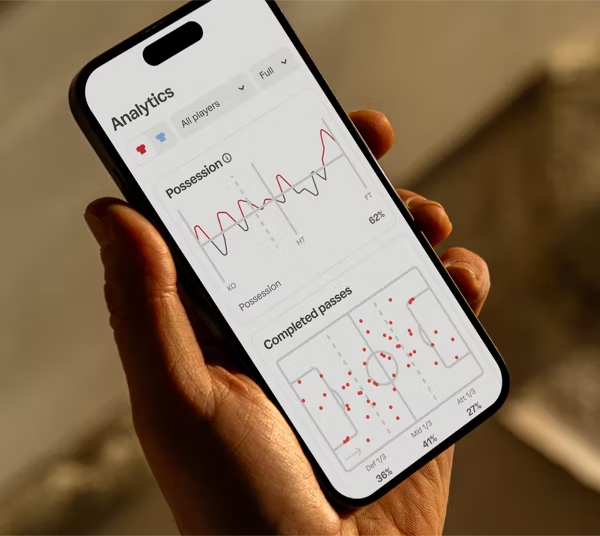
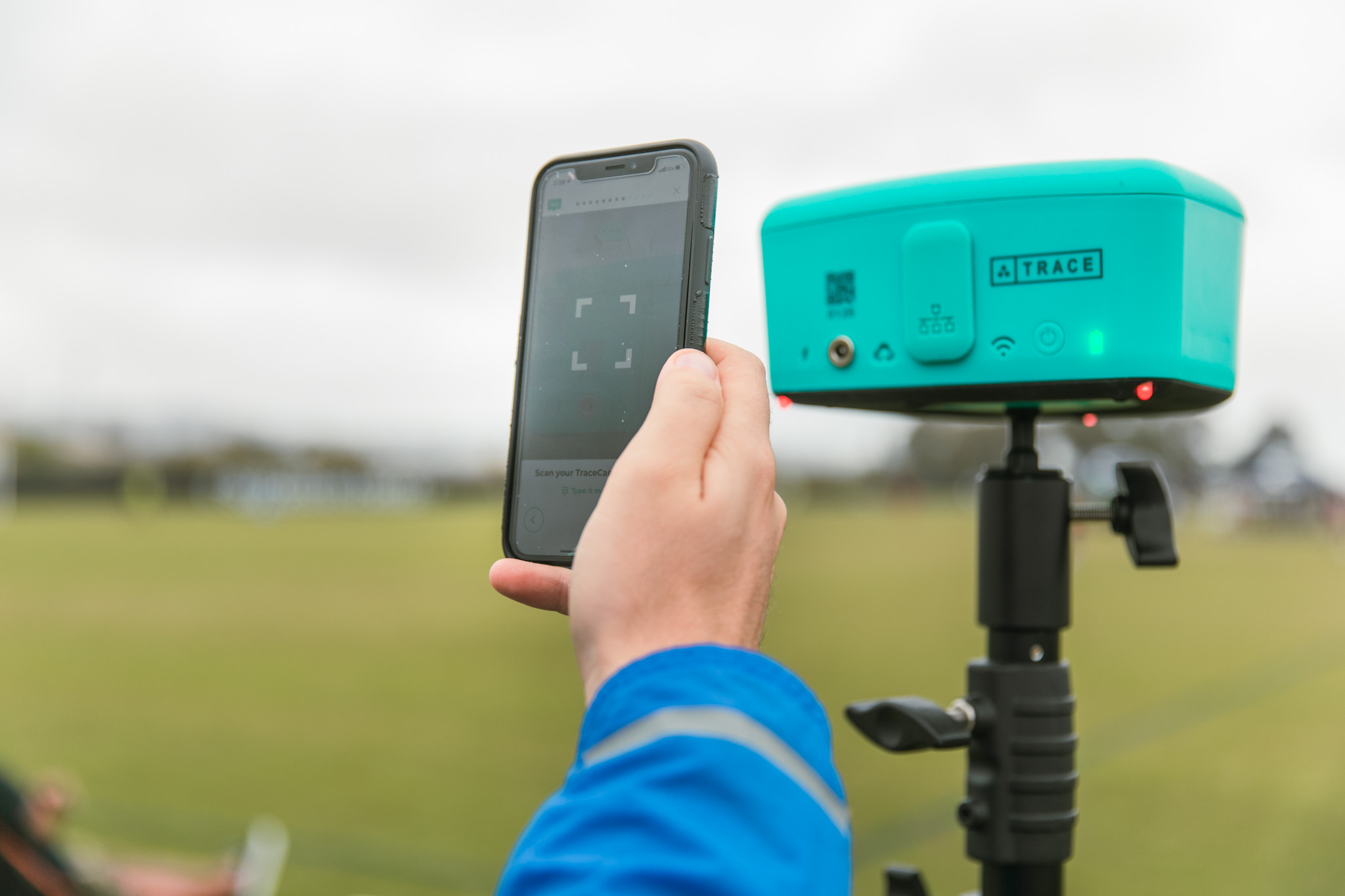
Trace is an AI-powered soccer camera system that films the whole game, tracks every player, and delivers personalized highlights within hours — no camera operator required. You set it up near midfield, press record, and let the camera follow the play for you. After the game, Trace uses AI to find each player, clip their best moments, and send those highlights straight to their phone.
If you've ever filmed a full game on your phone and ended up with 60 minutes of shaky footage where your kid is a dot in the corner, this is the fix.
What is an AI soccer camera system?
An AI soccer camera system is a camera plus software that records a game automatically and edits it for you. There's no operator panning and zooming. The camera captures the full field at a fixed, elevated angle, and the AI software handles the rest.
Where Trace stands apart: instead of just tracking the ball, Trace finds and follows every player on the field — on the ball and off it. That off-ball tracking matters. Soccer is decided by runs, positioning, and decisions that happen away from the ball, and those are exactly the moments most cameras miss.
Once the game ends, Trace's AI:
- Identifies each player and tracks their movement across the full match
- Auto-tags every play so you can jump straight to the moments that matter
- Builds a personalized highlight playlist for each individual player
- Delivers those highlights within hours — no manual editing
What makes Trace different from Veo, Hudl, and Pixellot?
| Feature | Trace | Veo | Hudl | Pixellot |
|---|---|---|---|---|
| Automatic full-game recording | Yes | Yes | Yes | Yes |
| Tracks every player (on and off ball) | Yes | Ball-focused | Varies | Ball-focused |
| Per-player highlight reels, auto-delivered | Yes | Limited | Limited | Limited |
| Add phone angles synced into highlights | Yes (MultiCam) | No | No | No |
| Personal player profile to store & share | Yes (Trace iD) | No | Team-oriented | No |
| Built specifically for youth soccer families | Yes | Club-oriented | Multi-sport | Facility-oriented |
Veo, Hudl, and Pixellot are strong at capturing the game for a team or facility. Trace is built to answer the question a parent actually asks — "What did my player do out there?"
How Trace works, start to finish
- Set up. Mount the Trace camera at a fixed, elevated angle near the halfway line. It captures the whole pitch.
- Press record. Then sit down and watch the game. Trace follows the play for the full match on its own.
- Get highlights. Within hours, Trace's AI delivers a personalized playlist for each player on the team.
Want ESPN-style close-ups? MultiCam lets you set your phone anywhere along the sideline and record. Trace's AI stitches your phone footage together with the main camera footage, so every highlight includes multiple angles.
Why families and clubs use Trace
Building highlight reels for college recruiting
College coaches want to see a player in action, and they want it fast. Every player gets a Trace iD — a personal profile to store, organize, and share their best plays with family, friends, or college recruiters.
"I film everything for my rising Junior, Dante. He has dreams of playing in college, so I knew recording video of his soccer games was going to be a must, but it's turned into much more."
Training and player development
Because Trace tracks players off the ball, you can study positioning, runs, and decision-making — not just the goal.
"I use the video to see his foot placement on shots – I discovered he has a tendency to bring the ball in off the right wing and put it in with his non-dominant left foot. I was really surprised to see how often he did that."
Motivation and connection
"I look for things that I know my son is working on, and use it to pat him on the back when I see him trying something new or take a risk on the field."
Saving memories
"These are the memories that matter most. I can't wait to sit down in 5, 10, and 15 years to relive these moments…"
How clubs use Trace
For clubs, Trace scales player development across every team. Coaches assign film homework through Trace iD, players get individual highlights that keep them engaged, and families see exactly how their kid is progressing.
The features that set Trace apart
- Auto recording — Press record once. Trace follows play for the entire game and tracks each player for individual highlights.
- MultiCam — Add phone footage from anywhere on the sideline. Trace's AI syncs it with the main camera for multi-angle highlights.
- Auto editing — Trace edits each player's highlights automatically and auto-tags every play for fast review.
- Personalized playlists — Each player gets a reel of their own best moments, easy to share with teammates, family, or recruiters.
- Trace iD — Every player and coach gets a personal profile to store, organize, and share film.
Frequently asked questions
Does Trace track my player when they don't have the ball? Yes. Trace tracks every player on the field, on the ball and off it, so you see runs, positioning, and off-ball decisions.
Do I need someone to operate the camera? No. You set it up near midfield, press record, and Trace handles the tracking and editing automatically.
How fast do I get highlights? Trace delivers personalized player highlights within hours of the game ending.
Can I add close-up angles? Yes. With MultiCam, you record extra angles on your phone from the sideline, and Trace's AI blends them into the highlights.
Is Trace good for college recruiting? Yes. Each player's Trace iD stores and organizes their best plays, so highlight reels are ready to share with college coaches.
How does Trace compare to Veo, Hudl, or Pixellot? All record games automatically. Trace is built around the individual player — tracking each kid and delivering per-player highlight reels — rather than only capturing the game for a team or facility.
Ready to get your player in the center of every clip?
Trace films the game, tracks your player, and delivers their highlights within hours — no editing, no camera operator, no missed moments.
Request your online demo and get your player in focus for every game.


